More ways to request and configure Copilot code reviews
GitHub expands Copilot code review settings, adding a personal configuration page and enterprise‑wide default effort controls across all plans. Users can now toggle automatic reviews for drafts and pushes, choose Lite or Balanced effort, and admins can set a default for organization repositories. Existing overrides remain supported.
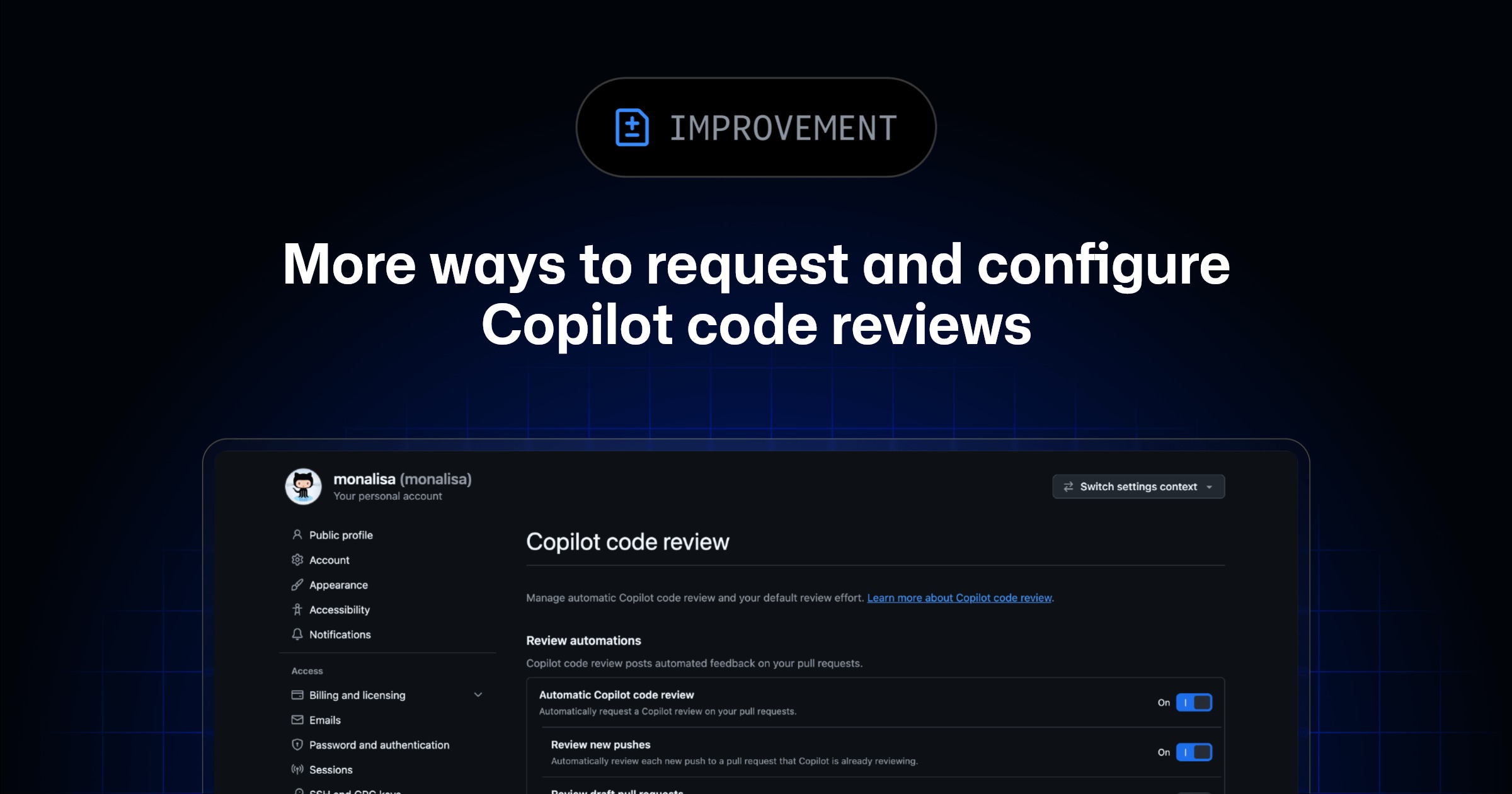
GitHub made new configuration options for Copilot code reviews generally available to all subscribers. A dedicated personal settings page now exists on every plan, allowing users to manage automatic review triggers separately for new pushes and draft pull requests. The system offers two distinct effort levels for these automated checks. These updates expand access to personalization beyond the previous Pro tier limitations. Previously, separate controls for draft or push events were unavailable to the broader user base. Enterprise administrators gain a new tool to set a standard review effort across all organization repositories. This default setting helps standardize automation without forcing every repository manager to configure the same rules individually. The specific computational cost associated with the different effort levels remains undefined in this announcement. No data was provided regarding changes in speed or accuracy metrics resulting from these configuration shifts. The source confirms that existing overrides remain supported, yet it does not detail the exact precedence hierarchy when personal, repository, and enterprise settings conflict.